
Launching an Instagram Dev Account: A How-To Guide

Want to create a developer account on Instagram but aren't sure how to get started? This post has you covered.
When I started posting coding-related content on Instagram late last year, I felt overwhelmed by all of the rules. What should I post and when? How many hashtags should I use? Are Reels better than IGTV? And so on.
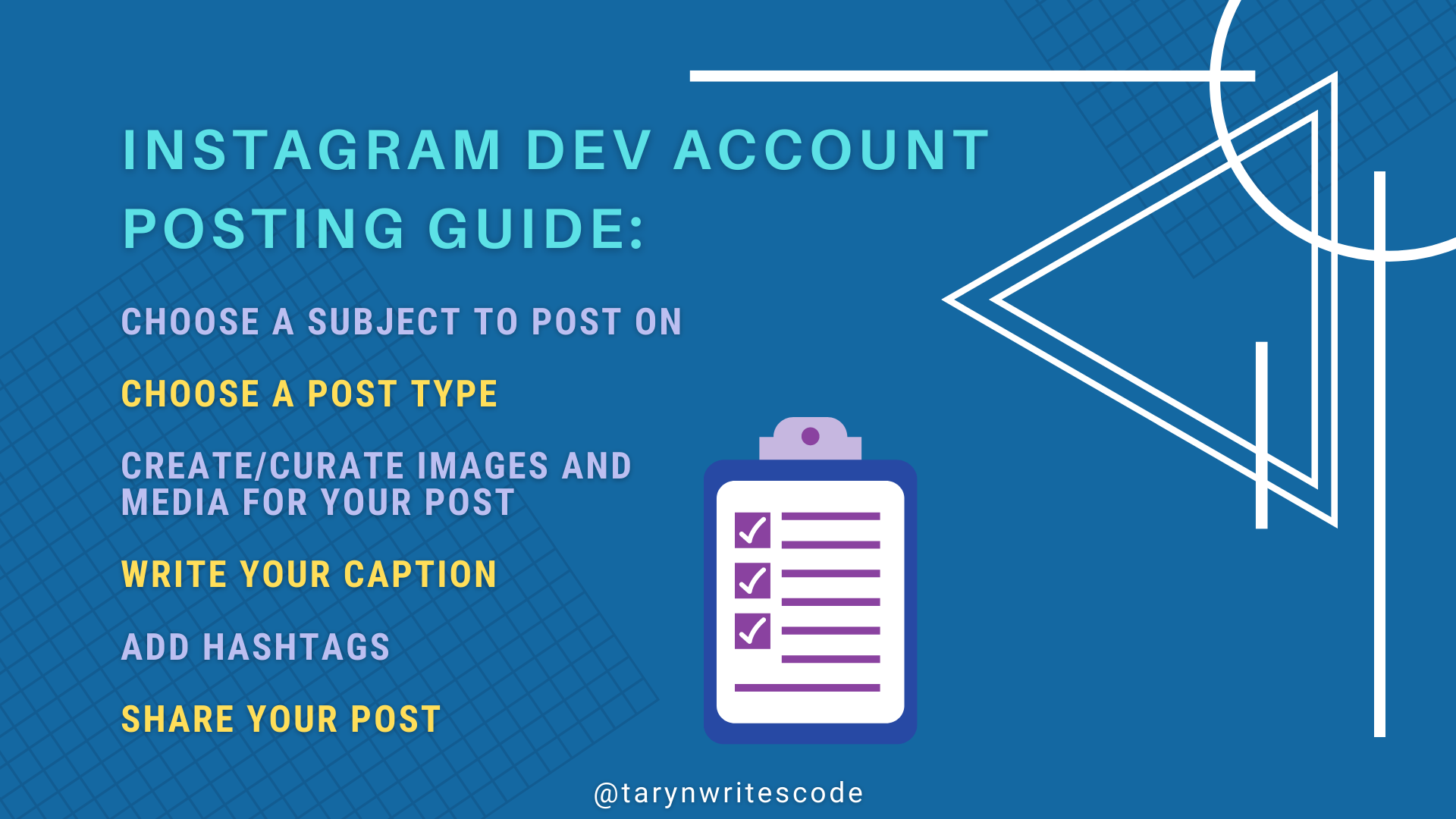
To help you out, I’ve broken down this post into five sections. These roughly translate into the five steps you need to take each time you sit down to make a new Instagram post. Use the links I’ve provided below to navigate to the section of this article that’s most relevant for you.
A quick note: This article is about how and what to post on a dev account. I don't talk here about growing your account or amassing followers. Suffice to say, if this is what interests you, there are plenty of other articles online that will help you out. 😊
And with that out of the way, let's get started!
- Choose what you want to post about
- Choose a post type
- Create or curate images and media
- Add hashtags
- Share your post
Choose what you want to post about
The first step is to choose a subject for your Instagram post. This is totally at your discretion, but it can sometimes be difficult to decide what to post on, especially if you’re working under pressure. Below are some examples of popular posts in the tech community. You can customize them based on your own experiences and interests. Remember that a personal touch is often what makes Instagram posts stand out!
Desk setup: Show pics of your computer setup, computer hardware, or other decor such as plants that liven up your workspace.
In-progress project: Show images, video, or link to a small demo of a project you are currently working on.
A day in the life: Write a post or shoot a short video detailing a day in your life as a developer. Reels are a popular format for this type of post.
Informational or tutorial post: Use a gallery of images, an infographic, or short video to teach others about a topic in coding.
Myth breaker: Tackle a popular myth in the coding community and show why it is/isn’t true.
Confessional: Get real with your audience and talk about the challenges you are currently facing as a developer and what you’re doing to overcome them.
Motivational: Write a motivational post to inspire other people in your field. Quotes and song lyrics are often used in these types of posts.
Problem solver: Provide a solution for a tricky coding problem. Include images of your code so that others can learn from you.

Choose a post type
As Marshall McLuhan once said, "the medium is the message." Choosing the right format for your Instagram post will have a major impact on its popularity and accessibility. In the section below, I walk you through the main post types and tell you what you need to know about them.
1. Image or Gallery posts
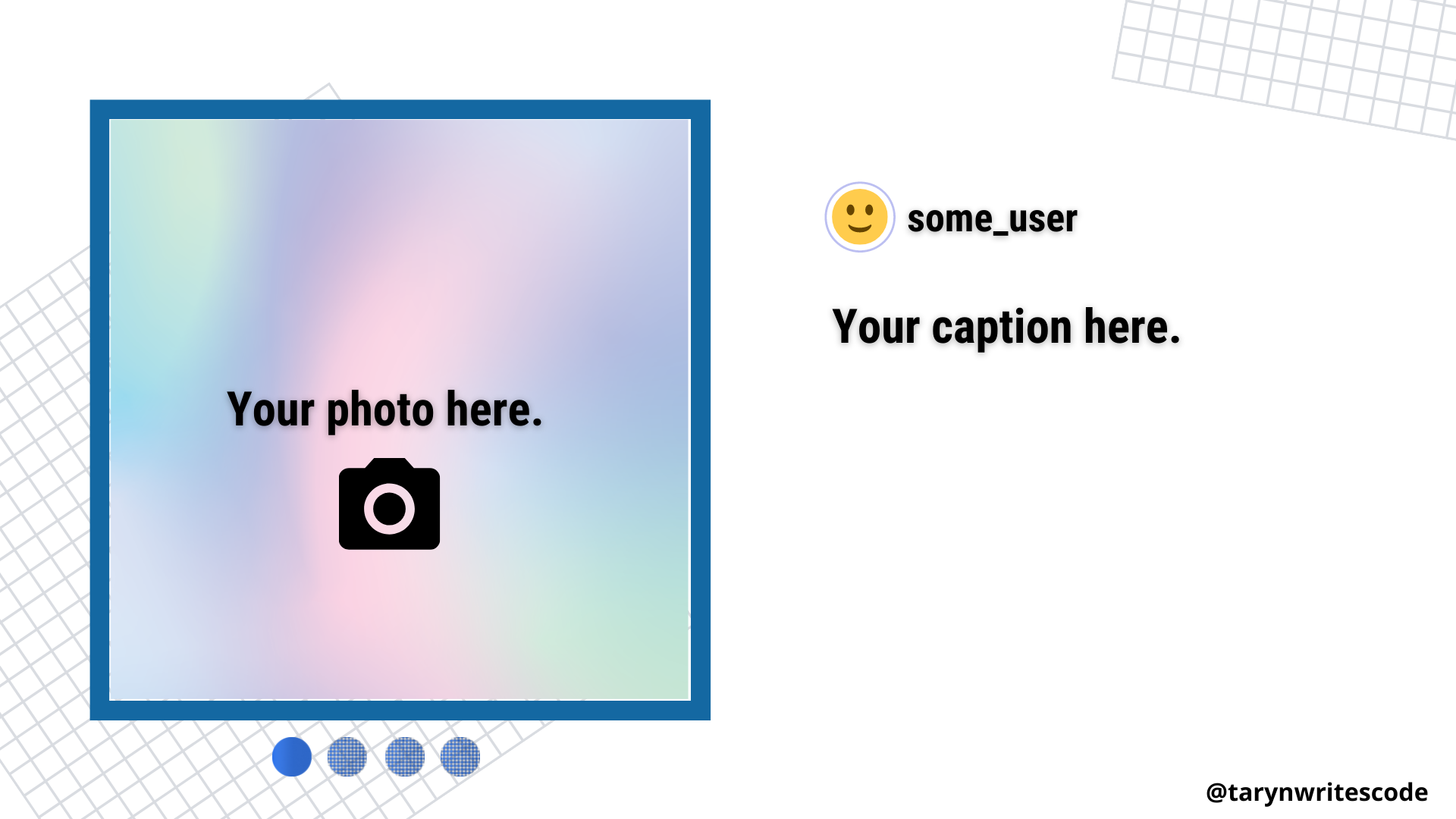
Gallery posts are a useful medium for coding tutorials. You can upload up to ten pictures per post and can choose different filters for each image.
- Dimensions: 4:5 aspect ratio for portrait photos; 1.91:1 aspect ratio for landscape photos
2. Feed videos
These are the OG videos that are posted directly to your feed without the bells and whistles of Instagram Reels.
- Length: 3-60 seconds long
- Dimensions: This varies, but the best dimensions are either 1080 x 608 or 1080 x 1350
3. Reels
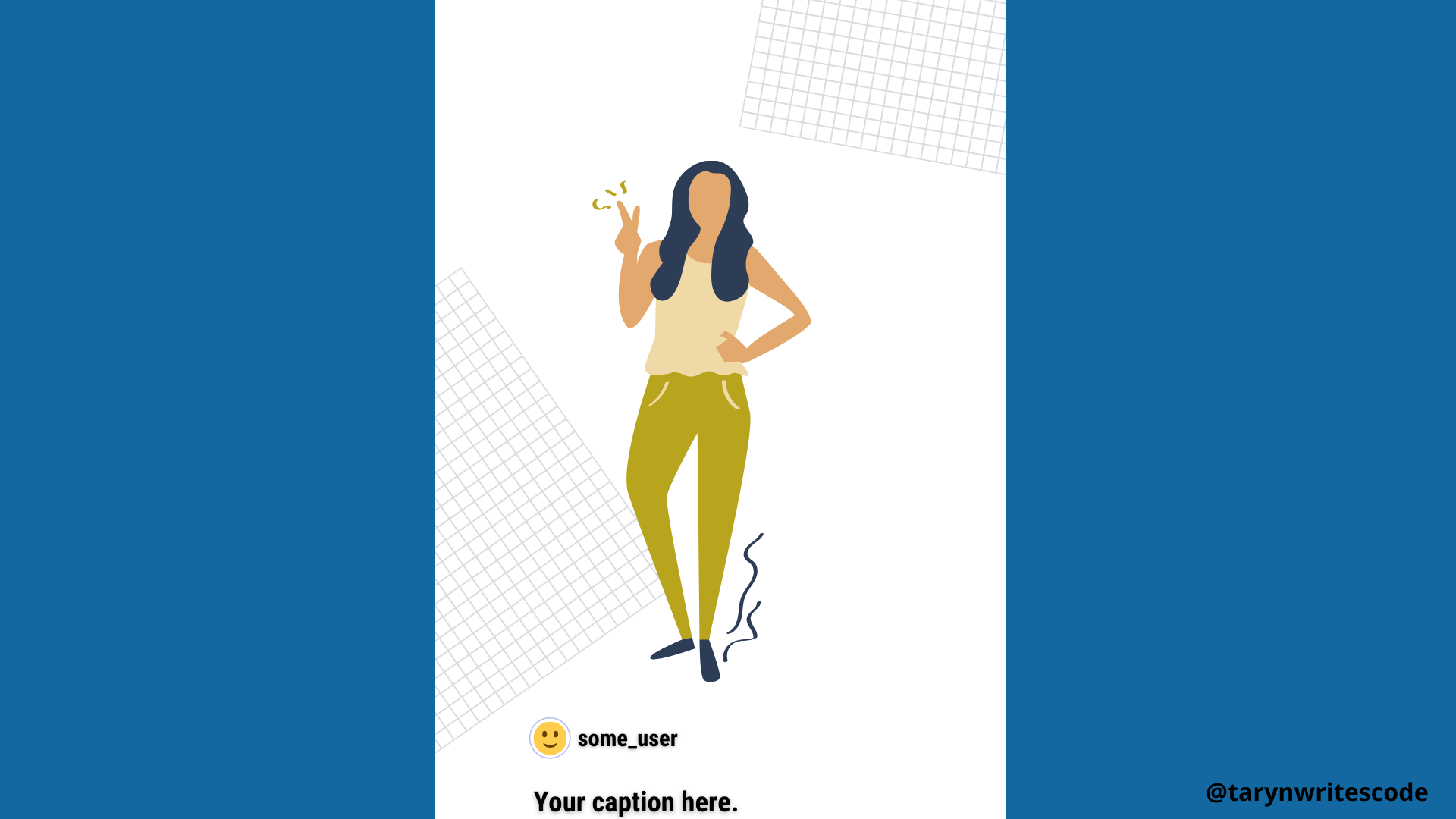 Reels are short videos which resemble clips on TikTok. They often incorporate music, on-screen text, and dancing!
- Length: 15-60 seconds long
- Dimensions: 1080 x 1920
4. IGTV
 IGTV is a useful format for longer media such as interviews or instructional videos.
- Length: 1-15 minutes if uploading from mobile; 1-60 minutes if uploading from your desktop
- Dimensions: 1080 x 1920 for vertical videos; 1920 x 1080 for horizontal videos
5. Stories
 Stories are a quick and easy way to connect with your audience either by posting an image with text and stickers or a short video. Each story you post is only available for a limited time but it can be saved permanently to a Highlight reel at the top of your profile. Stories are also a good way to share other people's content.
- Length: 15 seconds max
- Dimensions: 1080 x 1920
6. Direct Message
Direct Message is a private messaging service that allows you to connect directly with other Instagram users. While it's a great way to make new connections in the community, remember to keep it professional, and be respectful of other users' time.
Create or curate images and media
Adding custom images or other media to a post can help generate visual interest and make your content memorable. As developers, we're often charged with taking complex topics and making them more accessible to other members of the community. Charts, graphs, infographics, lists, diagrams and other visuals maximize the impact of our content and help others learn from it.
Here are some tips to keep in mind when designing images and other media:
- Make sure that your images or videos are the right dimensions for your post type (see recommendations in the previous section).
- Keep web accessibility guidelines in mind when designing your media. Make sure that there is proper contrast, legible fonts, and captioning included, where appropriate.
- Make sure that you source your images legally. Follow copyright guidelines and provide attribution notices where necessary.
To get you started, here are a few media creation resources that I use often when creating content for Instagram and other social media platforms:
- Canva : This free browser-based content creation app is widely popular for a reason. There are dozens of Instagram templates available for posts, stories, and more. Add your own brand colors or logos to make your Instagram content look polished and professional.
- Carbon : Another browser-based app, Carbon creates shareable images of your code. You can customize the colors and general look of your code snippets, making it the perfect tool for creating programming tutorials.
- CloudApp : This easy-to-use app is great for creating gifs or short videos of your content.
- Coolors : This is a nice browser app for browsing and creating color schemes for your social media content.
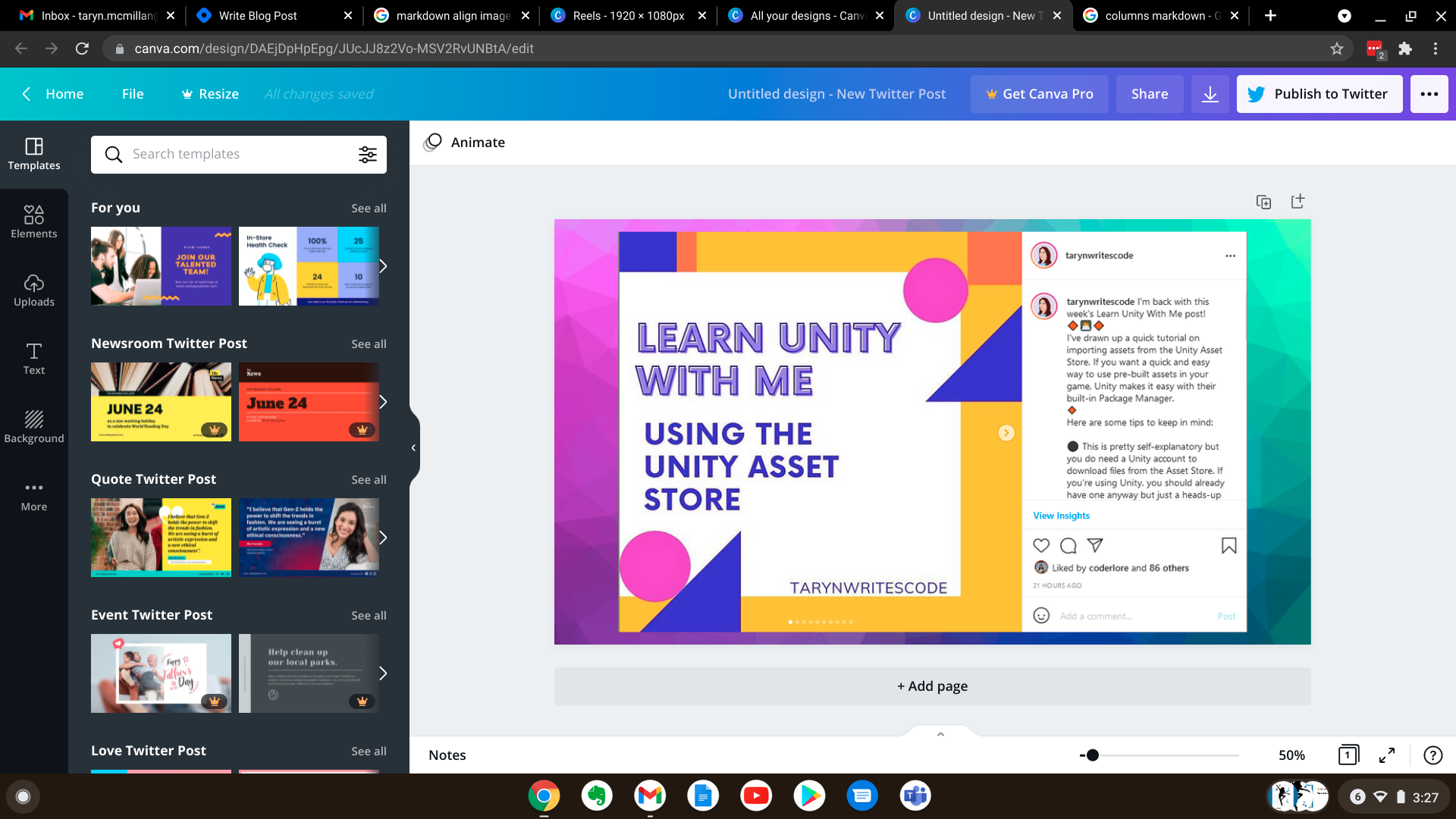 Working on a custom Instagram post in Canva is easy and free!
Add hashtags
I could write a whole post on hashtags for the developer community. Suffice to say, there are hundreds if not thousands of options to choose from when it comes to adding hashtags to your post. The challenge is to find the ones that are a) most relevant for your unique content and b) will help your post be seen by the greatest number of people.
A word of caution: hashtags are kind of a hot button issue on Instagram right now. Once upon a time, even a small account could have their account seen by using the right hashtags. Nowadays it's more of a mystery how hashtags help boost the popularity of your posts.
Here are a few tips for finding the right hashtags for your content:
Do your research: I suggest typing in a root word such as coding or programming into the Instagram search bar. You'll get hashtag suggestions based on that word and you can usually see the number of posts using each hashtag this way.
Branch out from the popular hashtags: Try to use a mix of popular and not-so-popular hashtags to give your post the best chance of standing out.
Pay attention to similar accounts: Once you've found a few other developer accounts you like, pay attention to the hashtags these accounts use and follow suit. Clicking on an interesting hashtag can be a good way to find other relevant accounts to follow.
Use hashtags for personal branding: Hashtags can be a good way to organize and brand your posts. For example, I tag all of my weekly Unity tutorial posts using the same hashtag so that they are easy to find and read.
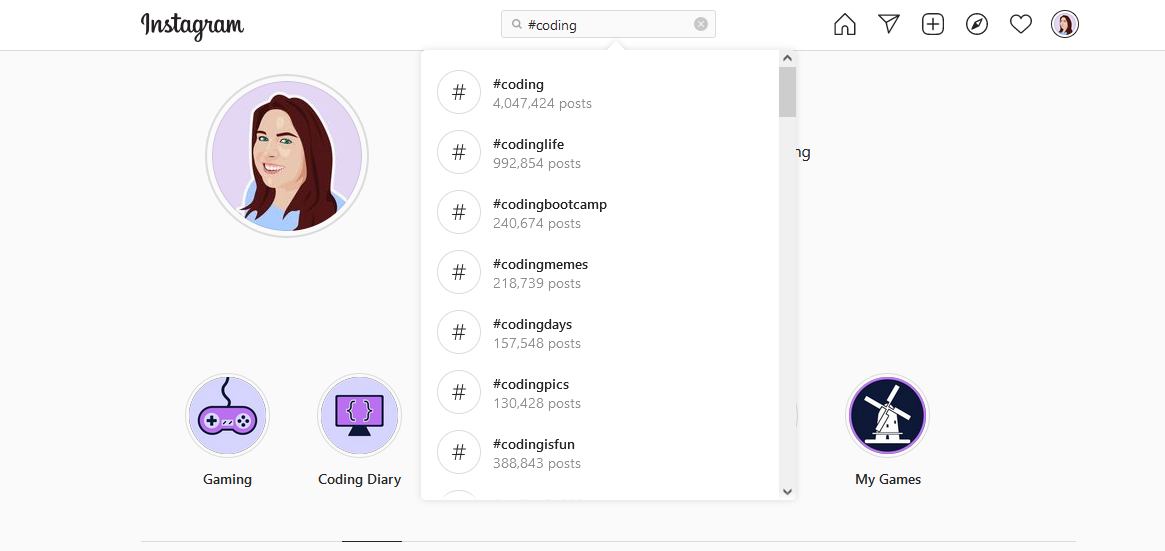 You can easily search relevant hashtags from right within Instagram.
Share your post
As a newbie, I was always worried that I didn't "know enough" to justify posting my content where others could see it.
I quickly learned that we were all beginners once and the developer community is filled with people of all backgrounds and skill levels. If your Instagram post reaches even one person who could benefit from it, then I think it was worth making.
As I mentioned in the introduction to this post, I'm not going to go into detail about getting followers on Instagram. But I will say a few words of advice about tracking the success of your Instagram content.
- If you are comfortable with your profile being public, I recommend using an Instagram Business account over a Personal account. This will give you access to the Professional Insights dashboard, which helps you track the performance of your posts.
- In my experience, there is no "magic formula" when it comes to posting frequency. My advice is to be flexible and pay attention to the stats in your Professional Dashboard. If something seems to be working, then stick with it.
- Study the form and content of other people's posts. Pay attention to how long their captions are, the types of images they use, and the time of day they usually post at.
- People can smell a fake or someone who is just there to win a popularity contest from a mile away. Be genuine in your content and make helping other people your main goal.
- Not everyone will amass thousands of followers and that's OK. Don't ever sacrifice your mental or physical health to achieve an unrealistic goal. Running an Instagram account should be a fun side project and if it ever feels like too much of a chore, take a step back and regroup.
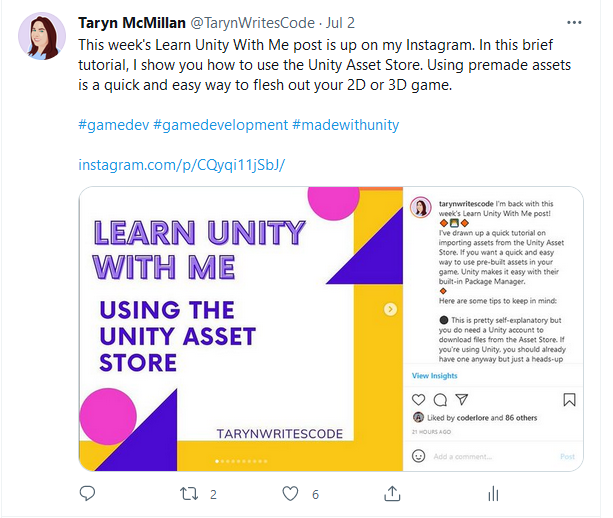 Don't be afraid to share your Instagram content on other social media sites such as Twitter.
Conclusion
If your goal is to run a genuine, helpful developer Instagram account, then it is well within your reach. When I first got started with my account, I remember spending hours researching the best post types, image dimensions and more. My goal with this article was to make this information easily accessible in one place so that you can focus on having fun and making connections with other developers.
I hope you found this post useful and I'll see you on the gram!
About the author
I am a Unity C# developer, educator, and writer from Canada.
Comments
Join the discussionNo comments yet. Be the first to comment.
Advice for New Developers
This series of long-form articles contains tips for new developers of all ages and skill levels.


